Instagram Album Download - Download Carousel & Album Posts Free
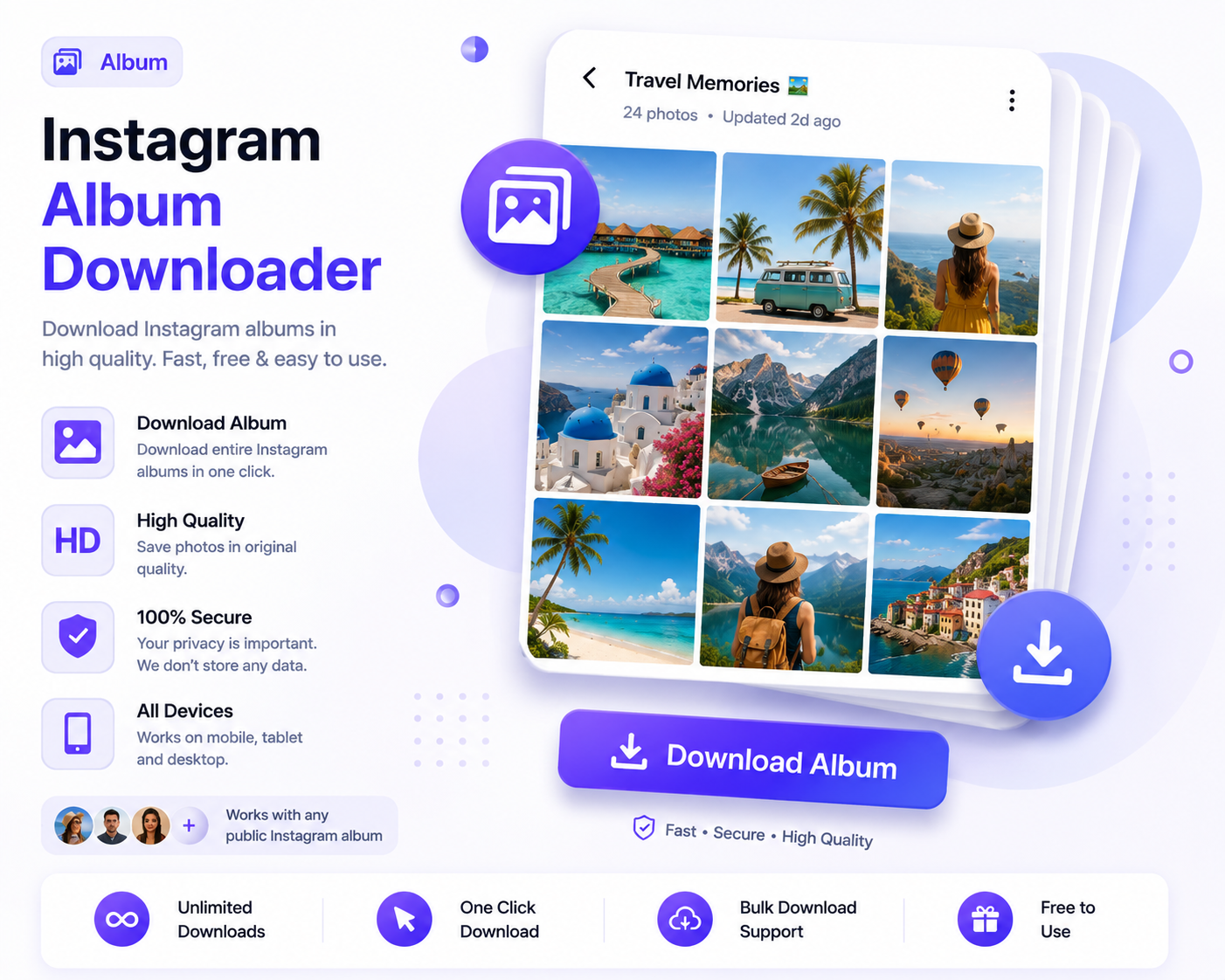
clipreel provides comprehensive support for Instagram album download functionality, making it effortless to save every item from any public carousel or album post. Our Instagram album downloader is specifically designed for multi-photo and multi-video posts, allowing you to download all content individually at their original quality. Whether the post contains photos only, videos only, or a creative mix of both media types, our tool handles everything seamlessly. You can download Instagram albums item by item with just a few clicks. For single video downloads, check out our Instagram video download or Instagram Reels download tools.
Instagram albums, also widely known as carousel posts, allow users to share up to ten photos and videos within a single post. This format is incredibly popular for storytelling, product showcases, travel diaries, event coverage, before-and-after comparisons, tutorials with multiple steps, and many other creative uses. While the multi-item format is excellent for content creators and storytellers, it presents a challenge for users who want to save all the individual items. Manually screenshotting each photo or screen recording each video is tedious and results in quality loss. That is exactly where clipreel comes in. Our Instagram album download tool retrieves every single item from the carousel in their original resolution with just one link submission.
Each photo and video within an album is downloaded at its original uploaded resolution. You do not have to worry about compression, quality loss, or missing items. Our Instagram album downloader carefully extracts every media file from the carousel and presents them to you with individual download buttons. This gives you complete control over which items you want to save and in what order.
How to Download Instagram Albums and Carousels
- Open Instagram: Navigate to the album or carousel post that contains the photos and videos you want to save.
- Copy the Post Link: Tap the share button located below the post and select Copy Link from the menu.
- Visit clipreel: Open your browser and go to clipreel. Paste the copied link into the download field.
- Click Download: Press the Download button. Our tool will process the entire album and extract all media items from the carousel.
- Download Individually: Each photo and video in the album will be displayed with its own download button. Tap the download button next to each item you want to save.
Our Instagram album download tool makes this otherwise tedious process quick and painless. You can save an entire carousel post in under a minute.
Features of Our Album Downloader
- Complete Album Coverage: Download every single photo and video contained within a carousel post. Nothing is missed or omitted.
- Original Quality for Each Item: Each media item in the album is saved at its full uploaded resolution. Photos retain their original dimensions and quality, while videos preserve HD resolution and audio.
- Mixed Content Support: Albums containing both photos and videos are fully supported. Our Instagram album downloader correctly identifies and processes each media type.
- Completely Free: Our Instagram album download service costs nothing. No hidden fees, subscription plans, or premium tiers.
- No Registration Required: Use our download Instagram albums tool immediately without signing up or providing personal information.
- Unlimited Album Downloads: Download as many albums as you want with no daily caps or restrictions on the number of items per album.
- Works on All Devices: iPhone, Android, Windows, Mac, and Linux browsers are all fully supported.
How to Download Instagram Albums on Different Devices
On iPhone and iPad
To download Instagram albums on iPhone or iPad, open Safari, visit clipreel, paste the album link, and download each photo or video individually to your Photos app.
On Android
To use our Instagram album download tool on Android, open Chrome or any Android browser. Paste the carousel link and download each item to your device gallery.
On Desktop
On Windows PC or Mac, our Instagram album downloader works in any browser. Download and save each album item to any folder on your computer.
What Types of Albums Can You Download
- Photo Albums: Carousel posts containing multiple photos in a single swipeable post.
- Video Albums: Posts with multiple video clips compiled into one carousel.
- Mixed Photo and Video Albums: Carousels that combine both photos and videos for rich storytelling.
- Travel Albums: Save entire travel photo collections from your favorite travelers.
- Product Showcases: Download product gallery carousels from brands and businesses.
- Before and After Comparisons: Save transformation posts that rely on the carousel format.
- Tutorial and Step-by-Step Posts: Download multi-step guides presented as carousel posts.
Frequently Asked Questions
Can I download albums from private accounts?
No. Our Instagram album download tool only supports public Instagram accounts and their public carousel posts.
Are videos within carousels supported?
Yes. Both photos and videos within carousel posts are fully supported by our Instagram album downloader.
Is there a limit on how many items an album can have?
Instagram allows up to ten items per carousel post. Our download Instagram albums tool supports this maximum limit fully.
Can I download albums on mobile devices?
Yes. Our Instagram album download tool works perfectly on both iPhone and Android mobile devices.
Do I need to pay for album downloads?
No. Our Instagram album downloader is completely free to use with no charges of any kind.
What quality are the downloaded album items?
Each photo and video is downloaded at its original resolution as uploaded to Instagram.
Tips for the Best Instagram Album Download Experience
For the best results when using our Instagram album downloader, copy the post link directly from the Instagram app for optimal compatibility. Verify the account is public before attempting to download Instagram albums. Albums with many items may take slightly longer to process as each item is extracted individually. A stable internet connection helps speed up the process. If an item does not download on the first attempt, simply click its download button again. Bookmark clipreel so you can quickly download Instagram albums whenever you discover carousel posts worth saving permanently.
Start using clipreel today for all your Instagram album download needs. It is fast, free, and handles every type of carousel content with ease.
Album Download Quality and Technical Details
When you use our Instagram album download tool, each item within a carousel post is extracted and preserved at its original quality. Photos within albums maintain their full resolution, color depth, and detail. Videos within albums retain their original frame rate, resolution, and audio synchronization. Our Instagram album downloader processes each media item independently, ensuring that no item loses quality due to being part of a multi-item post. You receive every photo and video exactly as it was uploaded to Instagram, with no compression or alteration applied to any individual item.
Why Albums and Carousels Are Popular on Instagram
Instagram carousel posts have become one of the most engaging content formats on the platform because they allow creators to tell richer, more complete stories than single-image posts. A travel blogger can share an entire trip in one post. A recipe creator can show each step of a cooking process. A fashion brand can display an entire collection. A fitness coach can demonstrate a full workout sequence. An artist can showcase multiple angles of their work. Our Instagram album download tool ensures you never have to lose access to these rich, multi-item stories. Save them all with one simple link submission.
How to Organize Your Downloaded Album Collections
After you download Instagram albums using clipreel, you may want to organize your collection efficiently. Create dedicated folders for different themes or accounts. Keep albums from the same creator together for easy reference. Rename files with descriptive titles that include the account name and date of the original post. Our Instagram album downloader gives you all the individual media files, and how you organize them is entirely up to you. With unlimited album downloads, you can build an extensive visual library over time.
Album Download Use Cases
Our Instagram album download tool serves many different types of users. Interior designers save room inspiration carousels for client presentations. Fashion enthusiasts collect outfit idea albums. Travel planners save destination photo collections. Marketers archive competitor product showcases. Artists compile reference material from creative carousels. Students gather educational infographic series. Parents preserve family photo albums shared by relatives. Our download Instagram albums tool serves all these use cases and many more with reliable, high-quality results.
Frequently Asked Questions
Can I download albums that contain only videos?
Yes. Our Instagram album downloader fully supports video-only carousel posts. Every video item is extracted individually.
Are downloaded album items named descriptively?
Album items are downloaded with their default filenames. You can rename them after download for better organization.
Can I download albums on a tablet?
Yes. Our Instagram album download tool works on iPads, Android tablets, and any other tablet device with a web browser.
Do I need to download all items in an album?
No. You can choose to download only specific photos or videos from an album rather than the entire carousel. Each item has its own download button.
Can I share downloaded album items directly?
Yes. After downloading, you can share individual photos and videos through messaging apps, email, or social media platforms.